Transform Your PowerPoint & Google Slides with Mesh Gradients
Create stunning, professional backgrounds that captivate your audience and make your slides unforgettable
Why Use Mesh Gradients in Presentations?
In a world of boring, template-based presentations, mesh gradients offer a fresh, modern aesthetic that immediately catches the eye. These smooth, organic color transitions add depth and sophistication to your slides without overwhelming your content.
Professional Appeal
Create backgrounds that rival those used by top tech companies and design studios, elevating your brand instantly.
Visual Engagement
Keep your audience focused with dynamic, eye-catching backgrounds that enhance rather than distract from your message.
Stand Out
Break away from generic templates and stock backgrounds. Your presentations will be instantly recognizable and memorable.
Fully Customizable
Match your brand colors perfectly with unlimited color combinations and fine-tuned control over every gradient point.
High Quality
Export in high resolution perfect for both digital presentations and large-format prints without any quality loss.
Quick & Easy
Create professional gradients in minutes, not hours. No design experience required.
How to Use Mesh Gradients in Your Presentations
Supported Platforms
Figma (Recommended)
The most seamless integration available. Install our Figma plugin to create and apply mesh gradients directly in your design workflow. Perfect for creating presentation templates and design systems.
PowerPoint
Export your gradients as PNG files and insert them as slide backgrounds or images. Works perfectly with all PowerPoint versions for Windows and Mac.
Google Slides
Simply upload your exported gradient and set it as a slide background. Supports all standard image formats and maintains quality across all devices.
Getting Started
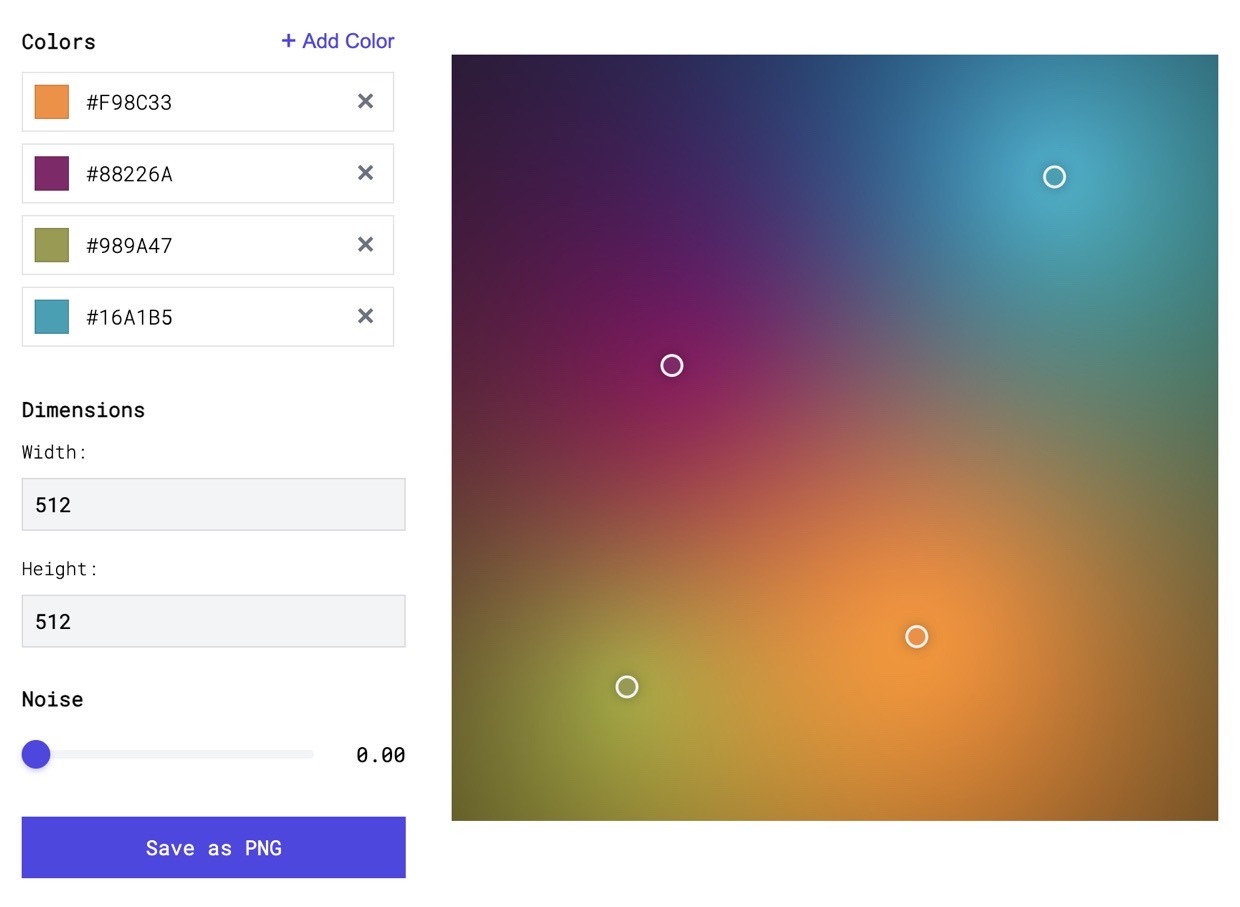
- Choose your platform: Use the web tool for PowerPoint/Google Slides, or install the Figma plugin for the most seamless experience
- Select colors that match your brand or presentation theme using the intuitive color picker
- Adjust color points by dragging them around the canvas to create your perfect gradient flow
- Fine-tune dimensions to match your slide format (16:9, 4:3, or custom sizes)
- Export as PNG and import into your presentation tool, or use directly in Figma
Pro Tips for Presentations
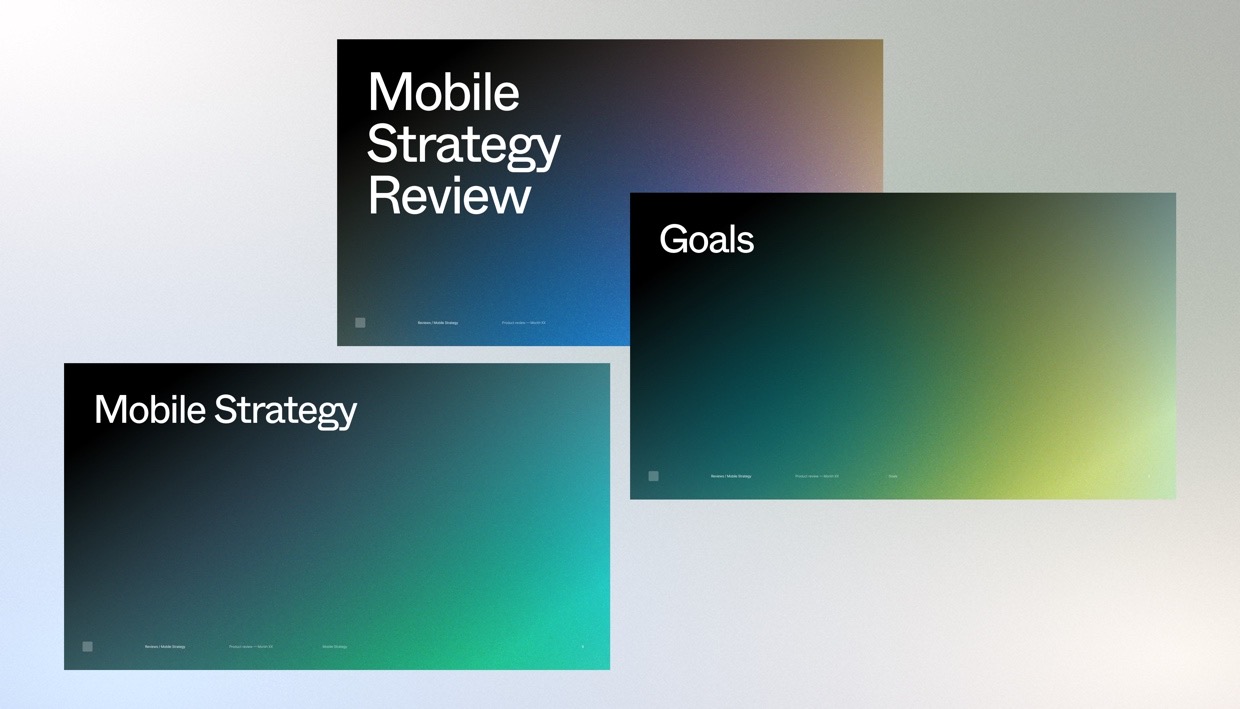
Keep it subtle: Use gradients with similar color tones for backgrounds to ensure text remains readable.
Brand consistency: Create a gradient using your brand colors and use variations throughout your deck for a cohesive look.
Contrast matters: Pair light gradients with dark text, or vice versa, to maintain excellent readability.
Section dividers: Use bolder, more dramatic gradients for section title slides to create visual breaks in your presentation.
Ready to Elevate Your Presentations?
Start creating stunning mesh gradients in seconds