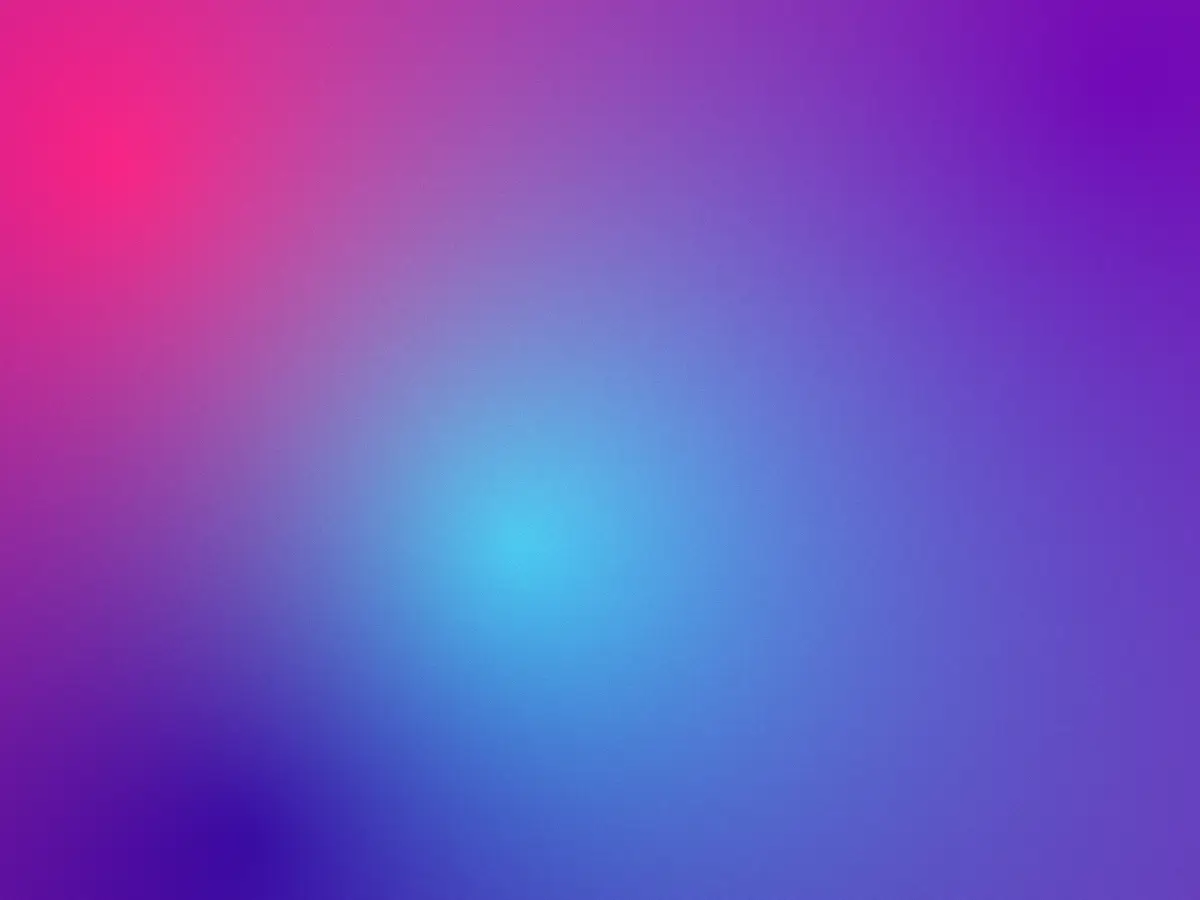
Beyond linear and radial
A linear gradient fades in one direction and a radial gradient fades out from a centre. They are fine for buttons and subtle fades, but as a full background they look like a template. A mesh gradient blends between colour points placed anywhere, which gives the soft, multi-directional colour you see on modern product sites, album covers and app screens.
Need only a simple two-colour fade? Put two points in opposite corners. Need something richer? Add up to eight points and drag them until the light falls where you want it.
Make a background in four steps
- Open GradientForge in your browser. It works on desktop and on phones.
- Choose colours. Edit the hex values in the Colors list, or press the dice for a random palette.
- Drag the points on the canvas to shape the blend.
- Type the size and save as PNG. The download is rendered at exactly that size, up to 4096 × 4096.
Common background sizes
- Website hero: 1920 × 1080, or 2560 × 1440 for large screens.
- Slides: 1920 × 1080 for 16:9 decks in PowerPoint, Keynote and Google Slides. See gradients for presentations.
- Instagram: 1080 × 1080 for a square post, 1080 × 1350 for a portrait post, 1080 × 1920 for a story.
- Desktop wallpaper: 3840 × 2160 for 4K. Phone sizes are on the gradient wallpaper page.
- Canva designs: match the design size, then upload the PNG as a background.
Styles you can make
The same editor covers most popular background styles: blurry gradients, grainy, noisy gradients, aurora glows, liquid gradients and abstract colour fields. If you work in Figma, the GradientForge plugin applies the gradient straight to a frame.